
Zoom to a point in a UIScrollView (2015 Edition)
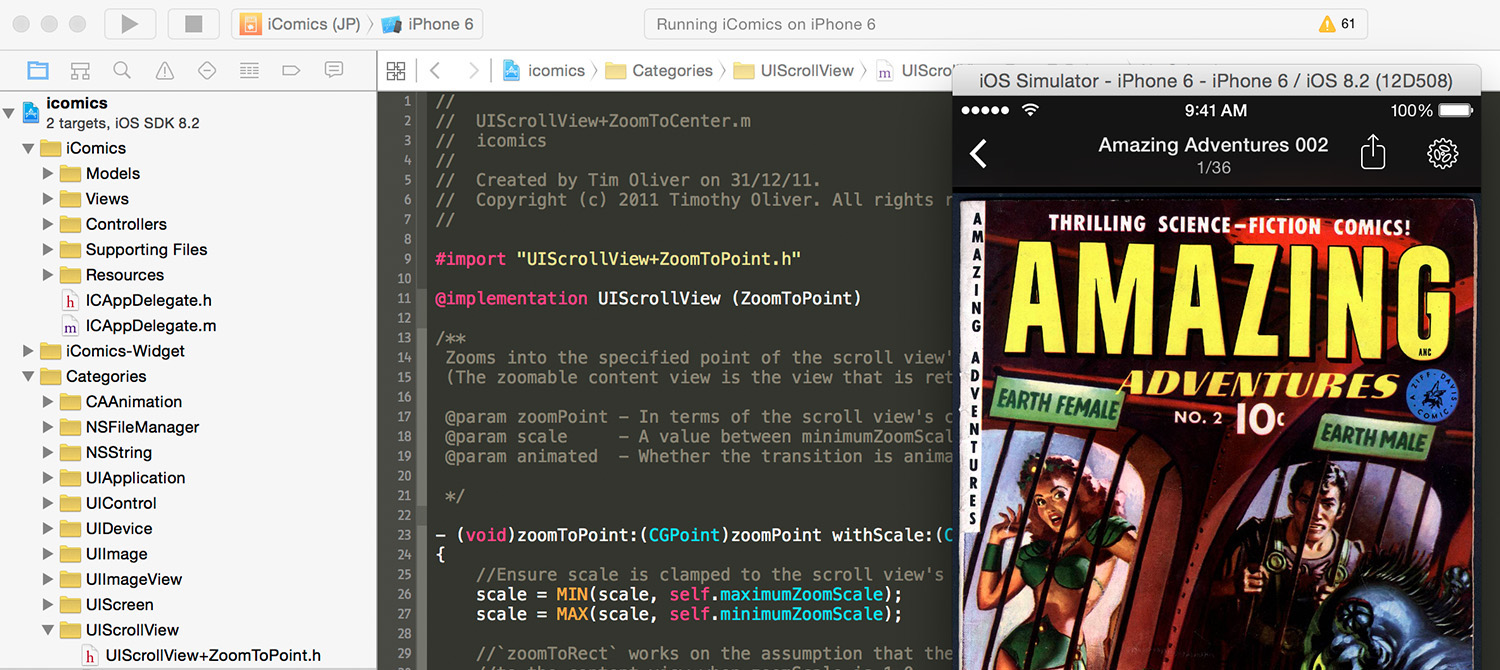
A long, LONG time ago, I wrote a blog post on zooming to a point in UIScrollView. Even today, 3 years later, zooming to a point still isn’t a default feature of UIScrollView, and so with that functionality still being in hot demand, that original post has ended up becoming one of the most active links on my blog.
Sadly, over the years, I started receiving reports from various people using that sample code that in a lot of different scenarios, that code was actually broken. While it would work fine if the scroll view was completely zoomed out (Which was fine for iComics’ needs), if you were zoomed in at all, then the resulting zoom behavior would be incorrect. Not only that, I discovered a unique scenario in iComics where if the scroll view’s content size was of a particular shape and VERY slightly zoomed in (To a decimal fraction amount), then that code would utterly break, and the scroll view content would fly off-screen.
As a result of that catastrophic error, this year, I decided to delete that original zooming code, and rewrite the lot from scratch. Not only would this fix the broken functionality, but it also made a new feature of iComics v1.2.5, where tapping multiple times results in different zoom levels, possible.
@implementation UIScrollView (ZoomToPoint)

/**
 Zooms into the specified point of the scroll view's zoomable content view at the supplied scaled.
 (The zoomable content view is the view that is returned in `viewForZoomingInScrollView:`

 @param zoomPoint - In terms of the scroll view's co-ordinate space, the point to zoom to
 @param scale     - A value between minimumZoomScale and maximumZoomScale in which to zoom to.
 @param animated  - Whether the transition is animated, or instant

 */
- (void)zoomToPoint:(CGPoint)zoomPoint withScale:(CGFloat)scale animated:(BOOL)animated
{
    //Ensure scale is clamped to the scroll view's allowed zooming range
    scale = MIN(scale, self.maximumZoomScale);
    scale = MAX(scale, self.minimumZoomScale);

    //`zoomToRect` works on the assumption that the input frame is in relation
    //to the content view when zoomScale is 1.0

    //Work out in the current zoomScale, where on the contentView we are zooming
    CGPoint translatedZoomPoint = CGPointZero;
    translatedZoomPoint.x = zoomPoint.x + self.contentOffset.x;
    translatedZoomPoint.y = zoomPoint.y + self.contentOffset.y;

    //Figure out what zoom scale we need to get back to default 1.0f
    CGFloat zoomFactor = 1.0f / self.zoomScale;

    //By multiplying by the zoom factor, we get where we're zooming to, at scale 1.0f;
    translatedZoomPoint.x *= zoomFactor;
    translatedZoomPoint.y *= zoomFactor;

    //work out the size of the rect to zoom to, and place it with the zoom point in the middle
    CGRect destinationRect = CGRectZero;
    destinationRect.size.width = CGRectGetWidth(self.frame) / scale;
    destinationRect.size.height = CGRectGetHeight(self.frame) / scale;
    destinationRect.origin.x = translatedZoomPoint.x - (CGRectGetWidth(destinationRect) * 0.5f);
    destinationRect.origin.y = translatedZoomPoint.y - (CGRectGetHeight(destinationRect) * 0.5f);

    if (animated) {
        [UIView animateWithDuration:0.55f delay:0.0f usingSpringWithDamping:1.0f initialSpringVelocity:0.6f options:UIViewAnimationOptionAllowUserInteraction animations:^{
            [self zoomToRect:destinationRect animated:NO];
        } completion:^(BOOL completed) {
            if ([self.delegate respondsToSelector:@selector(scrollViewDidEndZooming:withView:atScale:)]) {
                [self.delegate scrollViewDidEndZooming:self withView:[self.delegate viewForZoomingInScrollView:self] atScale:scale];
            }
        }];
    }
    else {
        [self zoomToRect:destinationRect animated:NO];
    }
}

@end
This time, the zoom code is smart enough to realize when it’s zoomed in, and to compensate accordingly. I also incorporated iOS 7’s new animation API, so it ‘feels’ a lot smoother too than the ‘linear’ animation of the previous code.
As always, this code is in the public domain. No attribution is required, but please let me know if you do end up using it. 🙂
Comments